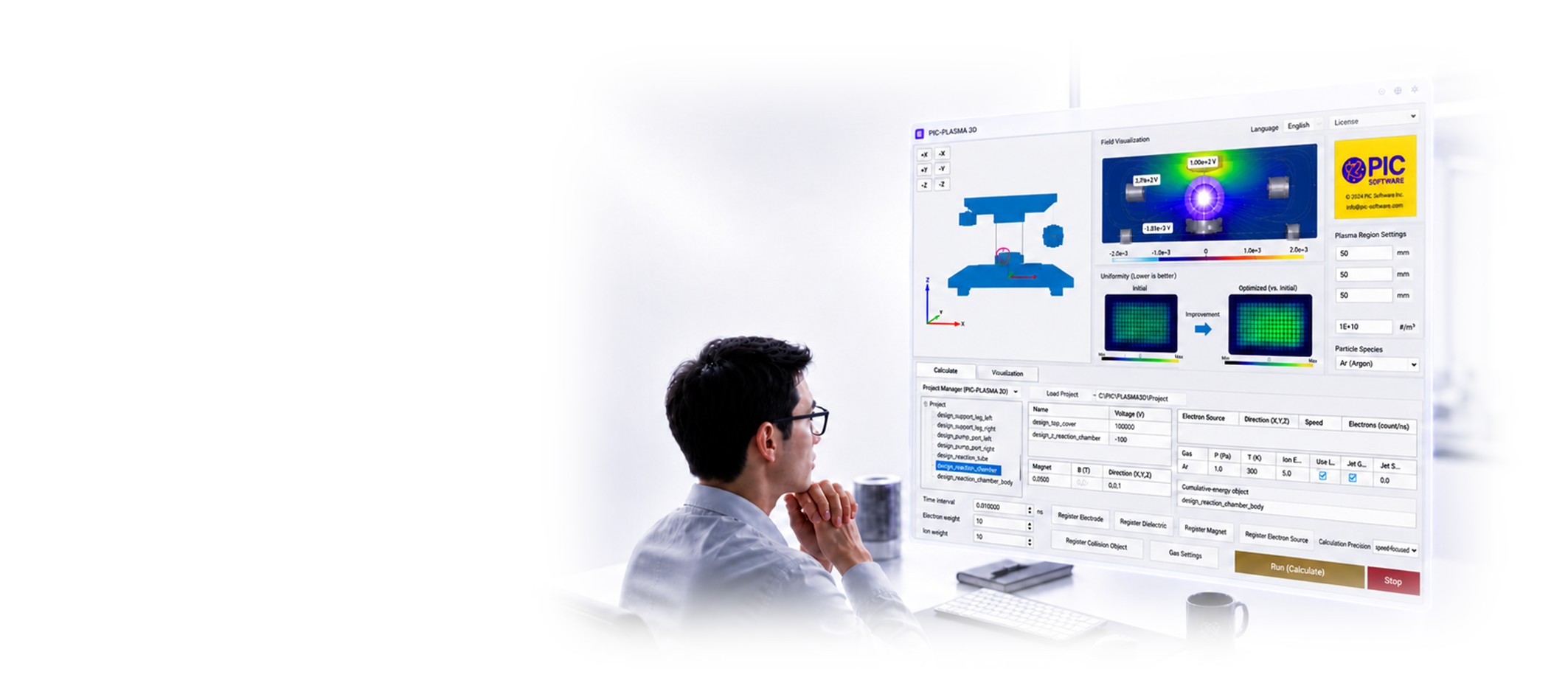
Compare Plasma Conditions Before Hardware Testing
Share your goal. We will recommend the right route.
How do you want to start?
Not sure? Choose either option—we can recommend the best fit.
I need analysis results We run the simulation and deliver the requested outputs. I need software for repeated use Your team runs PIC-PLASMA 3D with first-case support.Choose One Route
Results delivered or software for your team
You need results
Commissioned Plasma Analysis
We model your device and deliver the outputs needed for your decision.
- No software setup required
- Compare geometry or operating conditions
- Receive requested fields, fluxes, and loads
You need repeated simulations
Software License + First Setup Support
Your team uses PIC-PLASMA 3D, with support for the first case.
- Run recurring comparisons in-house
- Get help with CAD, conditions, and outputs
- License plans available for team use
No need to decide perfectly—we will confirm the best fit.
What Happens Next
Three steps. No complete specification required.
Tell us your goal
Device type and target output are enough to begin.
We review the fit
We confirm the route and any inputs needed.
Get the next step
You receive a proposed scope and quote direction.
Typical Outputs
See the quantities that drive your decision
Compare candidate conditions in 3D before hardware testing.
Typical engineering outputs
Plasma and particles
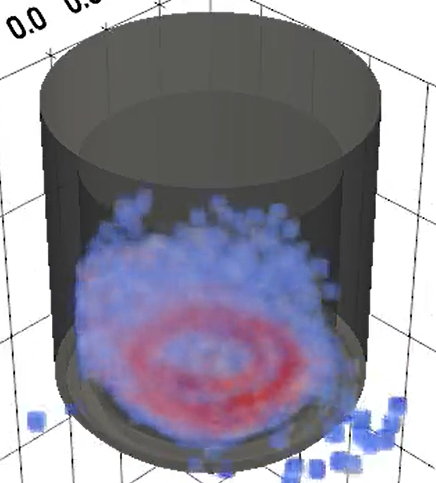
Locate concentration and non-uniformity.
Potential and electric field
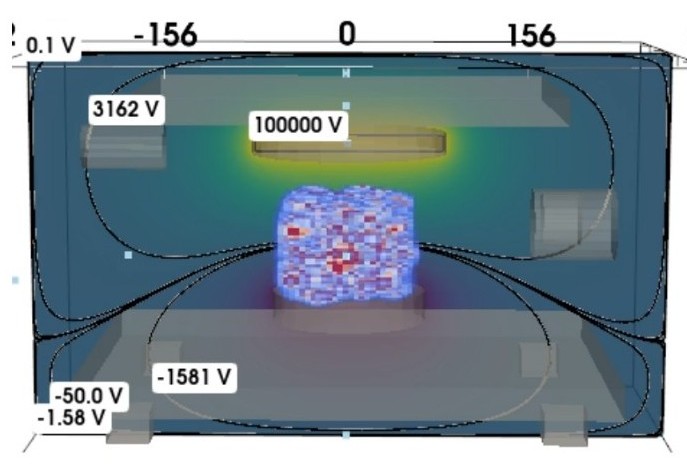
Locate strong fields and potential gradients.
Flux and surface load
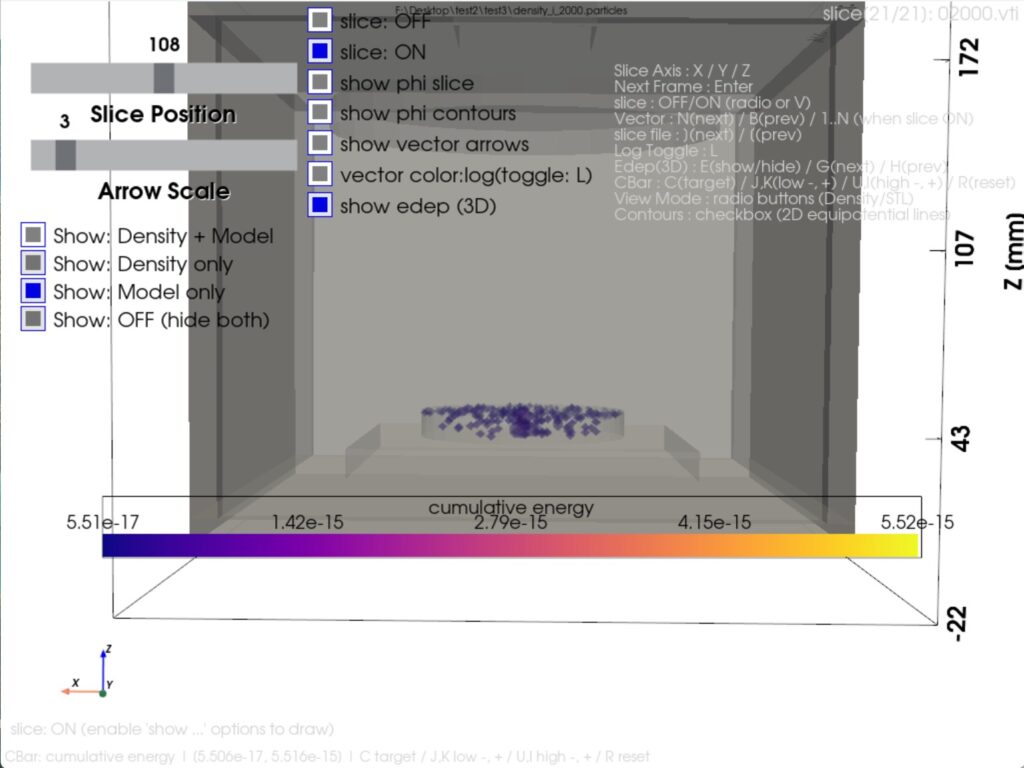
Compare particle impact and heat-load tendency.
Available outputs depend on the model and evaluation objective.
Reported Example
Narrow candidates before hardware testing
Comparison work per month
Hardware checks per month
One reported workflow example. Results vary by model, conditions, and purpose.
Engineering Use
Built for practical technical decisions
Early comparison before chamber work
“3D visualization helped us narrow the cases worth testing next.”

Easier to explain condition differences
“Potential, field, and density comparisons made technical discussions easier.”

Choose a Consultation Type
Select the closest option. We can adjust it after reviewing your goal.
Helpful details, if available
Device type, CAD, gas, pressure, voltage/RF, magnetic field, and target outputs.
FAQ
Frequently asked questions
Which route should I choose?
Choose commissioned analysis when you want results delivered. Choose a software license for repeated in-house simulation. If unsure, select either form and we will recommend the better fit.
What is commissioned analysis?
PIC Software performs the analysis based on your CAD geometry, conditions, and target outputs. This is suitable when you want results without first learning the software.
What does first setup support include?
For software license customers, support can include CAD import, boundary conditions, particle sources, and output review for the initial case.
What can I compare?
Geometry, voltage, RF conditions, gas pressure, magnetic field, particle sources, and related 3D operating conditions.
What are the system requirements?
Windows 10/11 is supported. A CUDA-specific GPU is not required for basic evaluation, but a dedicated GPU is recommended for smoother 3D visualization and larger models.
How is pricing handled?
Commissioned analysis is quoted individually. Software licenses are quoted based on the selected license plan and support scope.
We will confirm the route after reviewing your goal.